How to Create a Bible in Your Own Handwriting
BiblesClick ·
A Bible displayed in your own handwriting starts with individual letters, not with copying every verse. In BiblesClick, you draw an alphabet and the reader uses those letter shapes to display the available text. Your handwriting becomes its visual style; the underlying words remain the source text.
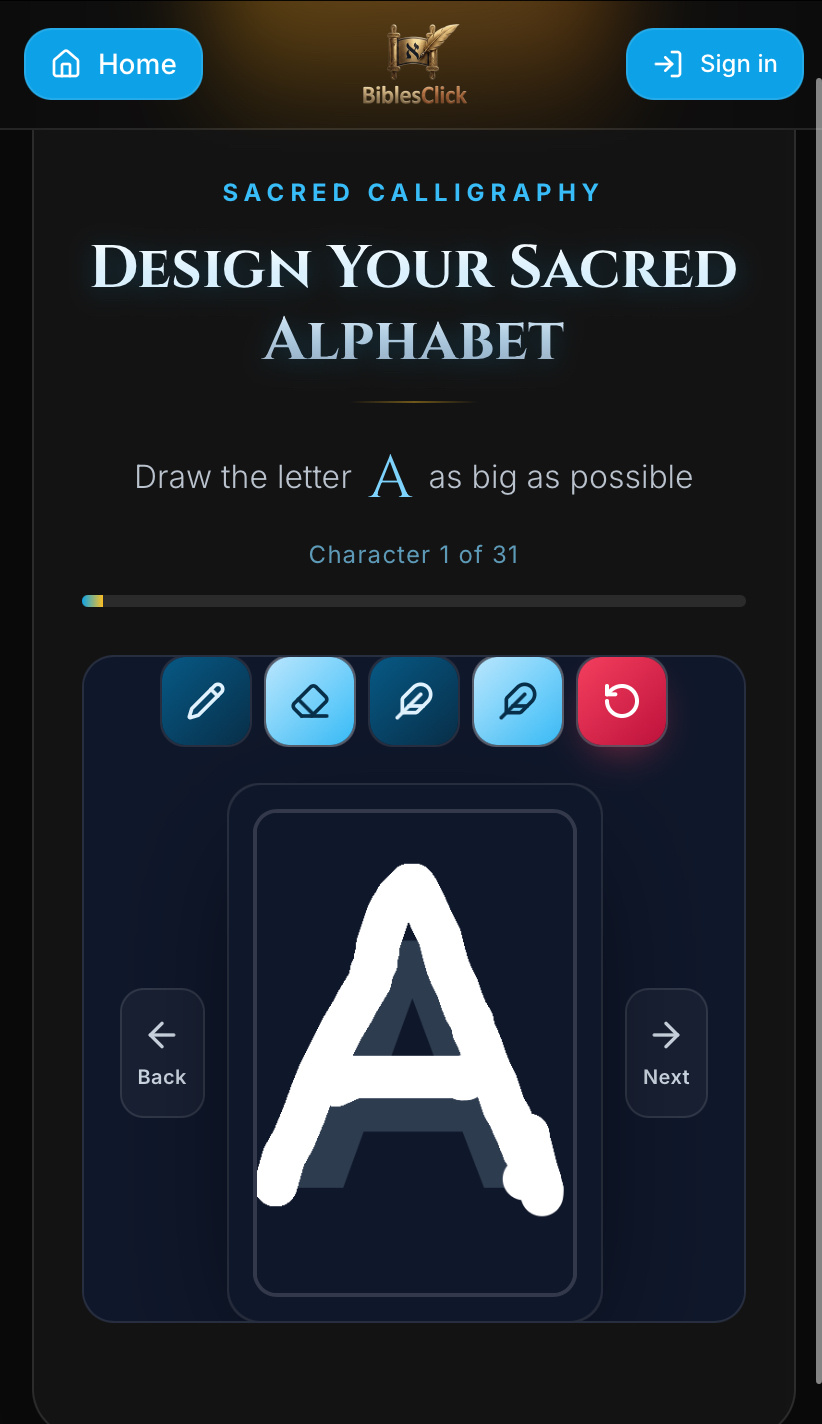
Begin with a comfortable setup
Open Create Bible and choose a device you can draw on comfortably. A finger, mouse, or stylus may suit different people. Try a few strokes before committing to a style. Rest your hand if possible and avoid drawing while the device is moving.
Use the handwriting you naturally recognize. A highly decorative alphabet can look attractive as separate letters but become difficult to read when repeated across a page. Your first goal is clarity, not perfection.
Draw a consistent alphabet
Keep letter bodies at broadly similar heights and leave a little space around each drawing. Give narrow letters enough visible weight without making them as wide as every other character. Make easily confused forms clearly distinct.
Look closely at loops and openings. If the center of an a, e, or o is almost closed, a smaller reading size can make it disappear. Redraw unclear letters before moving on rather than relying on a larger size to hide the problem.
Check the alphabet in real text
Once the alphabet is ready, open the reader and inspect several words, not just a single character. Repetition reveals inconsistent height, unusual spacing, and letters that only work in isolation. Test the small, medium, and large reading sizes.
BiblesClick provides English, Spanish, Italian, and Portuguese options. Check the language you intend to read, especially where its spelling uses additional marks. Do not assume that an alphabet tested in one language will look equally clear in another.
Know what you are creating
The current catalog contains Genesis, Exodus, Leviticus, Numbers, Deuteronomy, Psalms, Proverbs, and Song of Songs. Zohar and Sefer Yetzirah are also offered, but they are not books of the Bible. This is a selected-book catalog, not a complete Bible.
Is this the same as copying Scripture by hand? No. You draw each character once; BiblesClick repeats those shapes across existing text. It does not scan a handwritten page, produce a new translation, or record you writing each verse.
Keep a saved alphabet that you like and return to it for future reading. If you later want a different look, create another version instead of endlessly polishing your first attempt. A clear, familiar set of letters is a strong starting point.